
Formuler Z Mini with GTV-BT1 for stays in Mexico
When you move from your home TV to a vacation rental in Mexico, the small things change first. The HDMI input may be on the opposite side of the screen, the Wi-Fi password is different, and your provider may have different rules for accessing its service from that address. The Formuler Z Mini lets you take your own Android 12 receiver and GTV-BT1 voice remote along. A little preparation makes it easier to pick up where you left off.
What to pack together
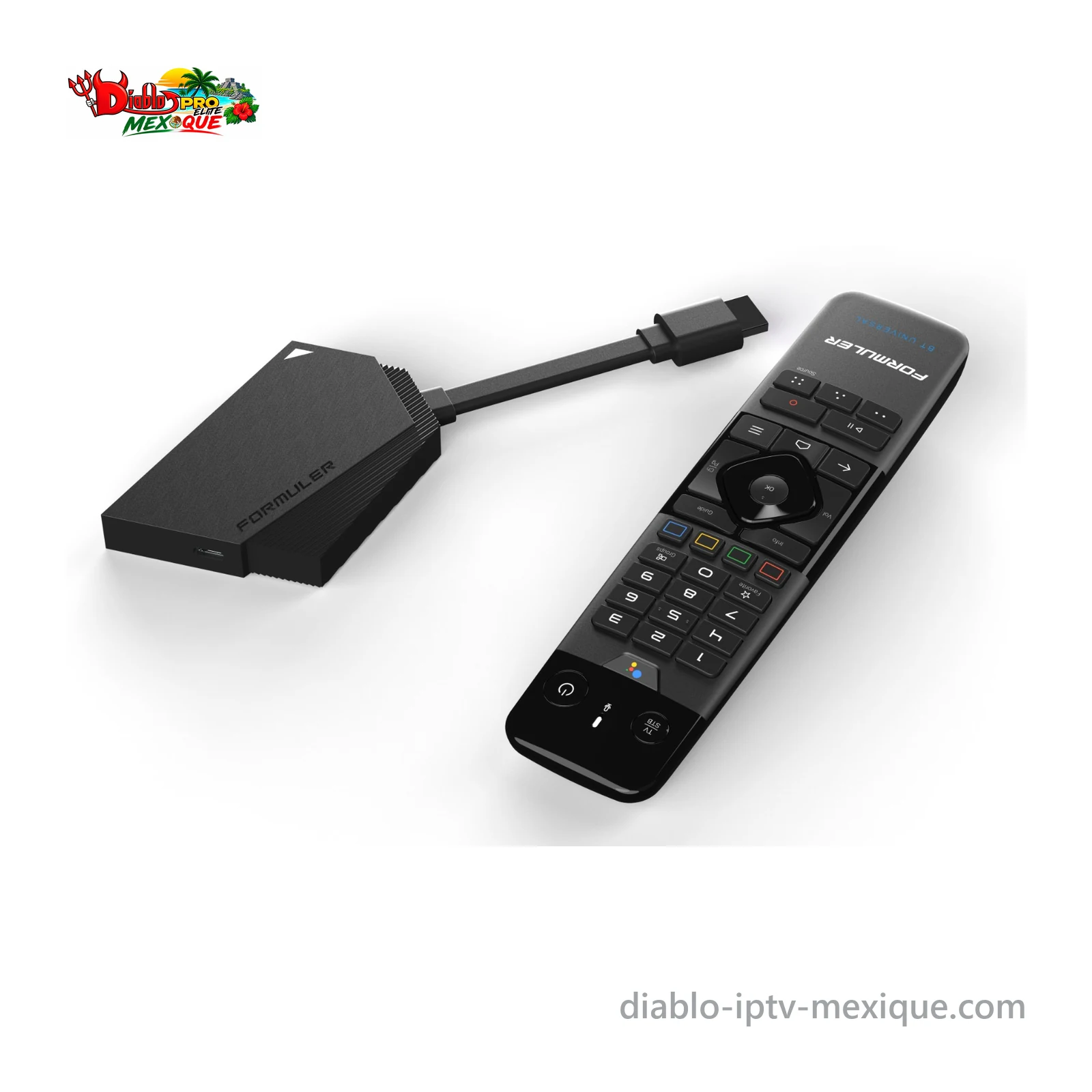
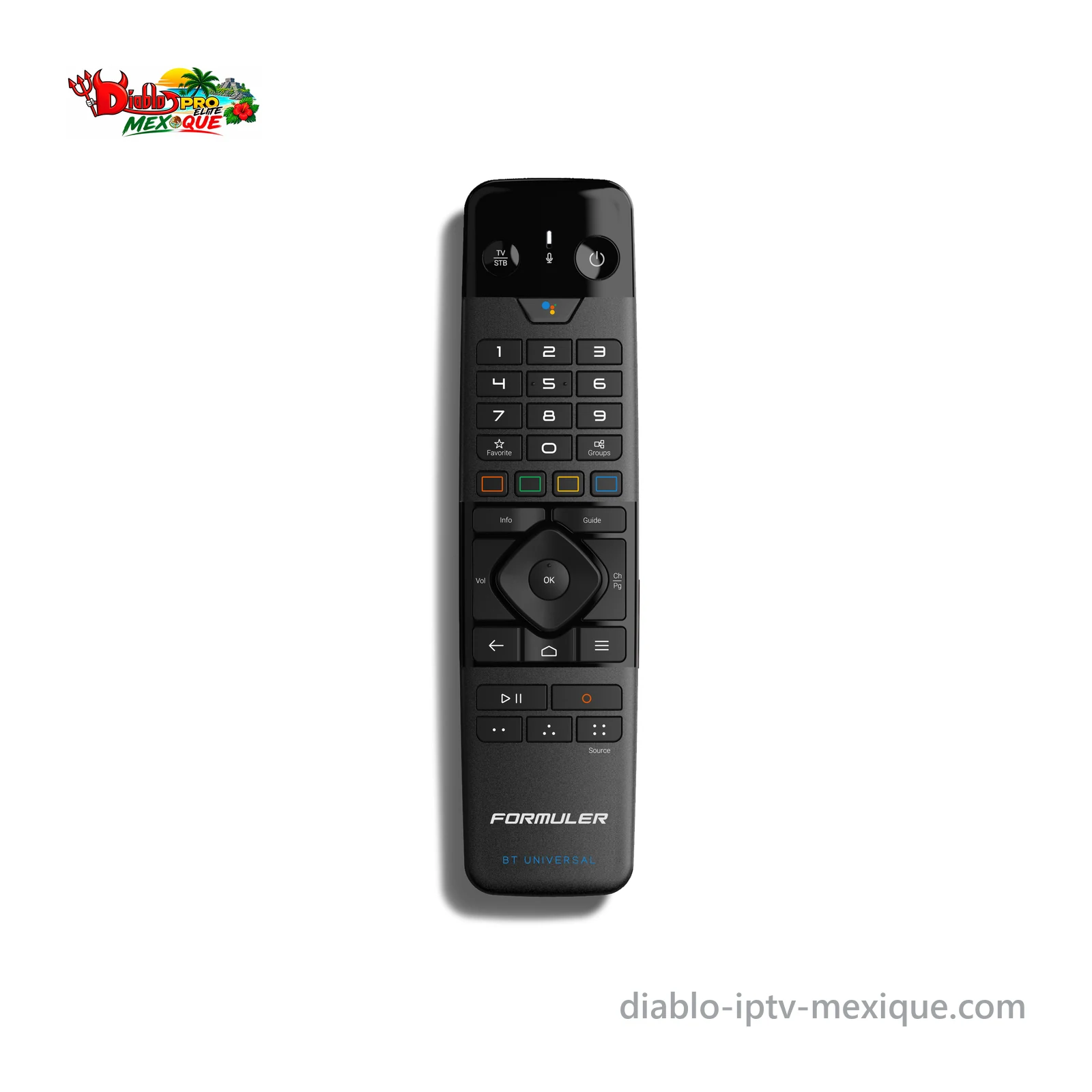
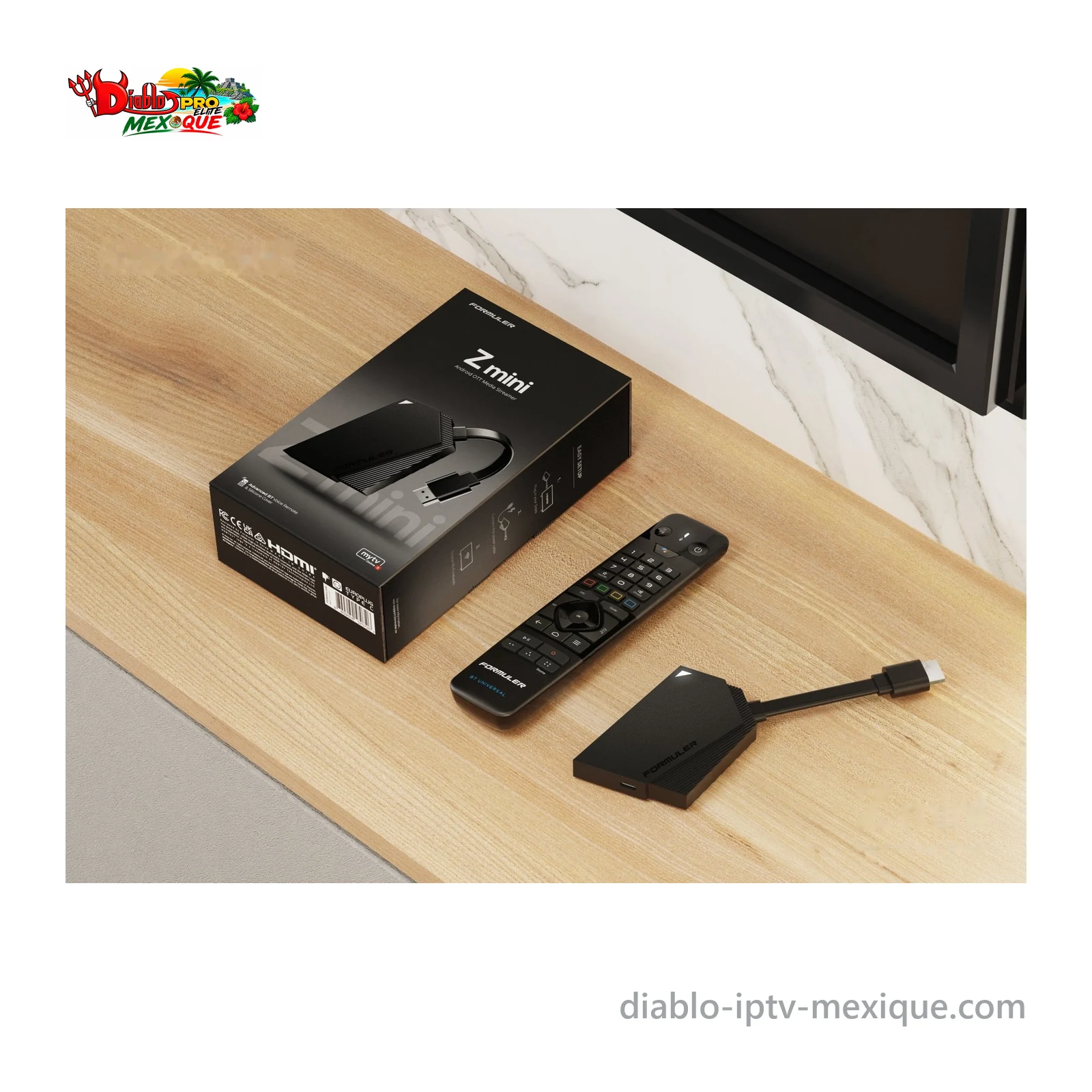
Keep the receiver, GTV-BT1 remote, silicone cover, batteries, USB-C power cable and power adapter together. Formuler also lists a quick guide with this version. Check the input information printed on the adapter and find out what outlet is available in the rental. The 5 V / 1 A figure in the receiver specifications refers to the power the Z Mini takes from the adapter.
At 83 × 60 × 12.5 mm, the receiver takes up little space. If you return to the same property each season, save a picture of the TV connections before you leave. For a wall-mounted screen, find out whether there's room to reach the HDMI input and whether the TV remote lets guests switch inputs. Knowing where the nearest outlet is will also help you decide where to place the receiver.
Reconnect at the new address
Connect the Z Mini to the TV and to power. Use the TV's remote to select the input you plugged into. Once the Android home screen appears, choose the rental's Wi-Fi network and enter the local password. The player supports dual-band Wi-Fi 5. If the building manages the network, ask whether guests can connect a media player and whether the device needs to be registered.
The GTV-BT1 controls the Z Mini over Bluetooth. If it needs pairing again, keep it near the player and follow the on-screen prompts. Check that you can move through the menus before tucking the receiver behind the screen. If navigation works but the television volume stays put, check the separate TV-control setup. The remote's infrared signal needs a clear path to the TV for those commands.
Will your account work in Mexico?
Ask your provider whether it allows use at the destination, on your device and during the dates of your stay. Keep its connection details somewhere private and accessible while you're traveling, especially if the provider needs to approve a change of receiver. MYTVOnline 3 displays the source you set up. The language you choose for Android and the languages offered by that source are separate. Once connected, make a favorites group for the channels you'll want to find again from the sofa.
Choose the no-add-on option if you just need the receiver. A Diablo Mexico service is available as a separate selection. Its four options are listed as 1, 3, 6 and 12 months. With the respective bonuses, the 6- and 12-month options provide 7 and 14 months of service. Review the chosen service's own details and compare its full term with the dates you expect to use it.
Match the picture to the screen
The Z Mini can play compatible 4K material at up to 60 frames per second and supports HDR10+ and HLG. Start with the resolution of the TV at the rental and the quality the provider offers for the program. An HD broadcast still has an HD source when it appears on a 4K screen. If one program keeps stopping, try a different one, then check the Wi-Fi signal where the player sits. That gives you a better idea of whether to look at the source or at the connection in the rental.
Formuler Z Mini with GTV-BT1 for stays in Mexico
$185.00